








BluePrintHIT
Custom
C# Workflows
HIPAA
Compliant
< 100ms
Sync Latency
0%
Record Divergence
As a specialized Dynamics CRM plugin development company, MetaDesign Solutions engineers high-performance server-side C# plugins, custom workflow activities, and secure Dataverse event handlers, delivering comprehensive Dynamics 365 consulting and development services for complex enterprise architectures.
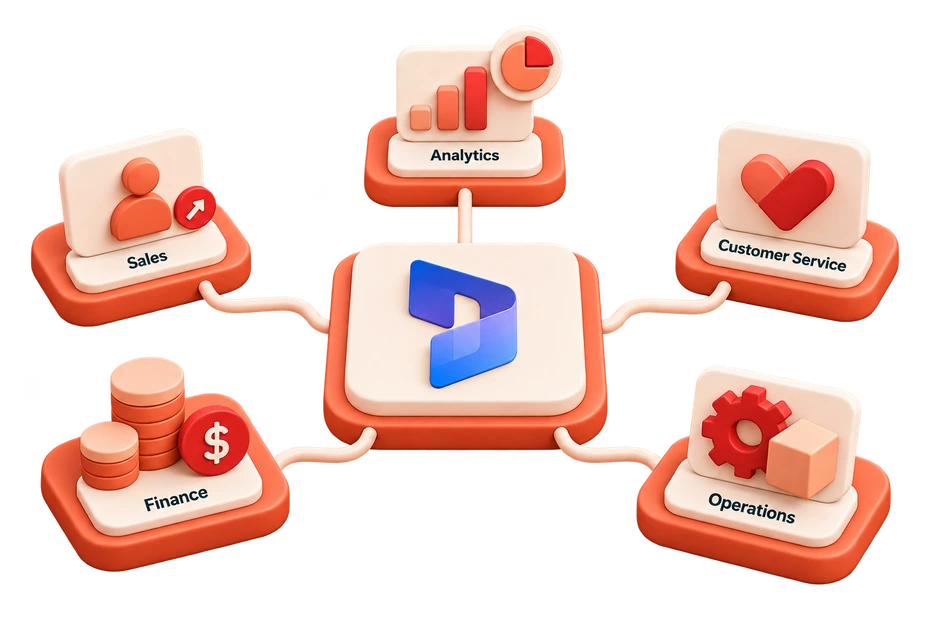
When out-of-the-box workflows and Power Automate hit execution limits, our custom C# plugins deliver guaranteed transactional integrity.

Pre-Validation and Pre-Operation synchronous C# plugins preventing invalid or corrupt data from ever entering Dataverse tables.
Heavy financial calculations, automated tax schedules, and discount matrices executed before records commit to the database.
Asynchronous post-operation plugins dispatching execution context to Azure Service Bus, Event Grid, and third-party microservices.
Modular C# CodeActivity classes expanding Power Automate and Business Process Flows with reusable server-side capabilities.
As an experienced Dynamics CRM plugin development company, MetaDesign Solutions provides specialized Dynamics 365 plugin development services engineered around the Microsoft Dataverse event pipeline. We structure your business logic across precise execution stages to guarantee sub-second performance, zero database locks, and 100% transactional rollback on failure.
Runs before the database transaction opens. Ideal for permission checks, license verifications, and fast-fail data validation before SQL locks are acquired.
Executes within the database transaction before core SQL write. Modifies input parameters, calculates tax or financial formulas, and enriches attributes in-flight.
The core Dataverse platform engine writes or updates the record in Azure SQL. Custom plugins cannot register directly here, maintaining platform integrity.
Runs after the core operation commits. Synchronous mode handles audit logging and rollbacks; asynchronous mode offloads external API webhooks to Azure Service Bus.
Through our specialized Dynamics 365 consulting and development services, our architects help enterprise IT teams choose the right execution model. As a dedicated Dynamics 365 custom plugin development company, we engineer high-throughput C# plugins where standard cloud flows encounter latency, execution throttles, or lack atomic transaction rollbacks.
Use custom C# plugins when you require synchronous, sub-second execution (<50ms), pre-save validation before database commit, multi-entity atomic transactions, or complex mathematical algorithms. Use Power Automate cloud flows for asynchronous notifications, simple low-code approval workflows, and multi-app orchestration where 2 to 5 second latency is acceptable.
| Engineering Factor | Dynamics 365 C# Plugin ★ | Power Automate Cloud Flow |
|---|---|---|
| Execution Speed & Latency | < 50ms (Synchronous in-memory execution) | 2–5 seconds (Asynchronous cloud queue polling) |
| Atomic Database Rollback | 100% Atomic — unhandled exception rolls back entire transaction | No rollback — partial writes remain if subsequent step fails |
| Pre-Save UI Validation | Yes — prevents save and displays custom user-friendly error in CRM | No — executes after record is saved, requiring manual cleanup |
| Complex Logic & Custom Math | Full C# .NET algorithms, regex, loops, and early-bound entities | Limited by low-code expression engine and step boundaries |
| High-Volume Batch Processing | Bulk execution via ExecuteMultipleRequest with minimal overhead | Subject to Power Platform API request limits and throttling |
| Third-Party SaaS Licensing | Zero recurring fees — runs natively within existing Dataverse license | Requires per-flow or per-user Power Automate premium licenses |
| Best Use Case | Mission-critical transactional validation & sub-second calculations | Multi-app notification routing, approvals & non-blocking emails |
We profile entity messages (Create, Update, Delete), execution stages, and filtering attributes to eliminate redundant pipeline executions.
Senior developers write modular C# assemblies with early-bound entities, secure configuration handling, and strict exception boundaries.
We validate business logic using FakeXrmEasy and Moq, achieving 90%+ code coverage before registering the assembly.
Assemblies are registered via the Plugin Registration Tool, packaged with Solution Packager, and deployed through Azure DevOps.
We instrument plugins with ITracingService and Azure Application Insights to monitor execution times and catch edge-case exceptions.
We profile entity messages (Create, Update, Delete), execution stages, and filtering attributes to eliminate redundant pipeline executions.
Senior developers write modular C# assemblies with early-bound entities, secure configuration handling, and strict exception boundaries.
We validate business logic using FakeXrmEasy and Moq, achieving 90%+ code coverage before registering the assembly.
Assemblies are registered via the Plugin Registration Tool, packaged with Solution Packager, and deployed through Azure DevOps.
We instrument plugins with ITracingService and Azure Application Insights to monitor execution times and catch edge-case exceptions.
Why enterprise engineering teams rely on our Dynamics 365 plugin development services.
Complex validation and calculated attributes processed in milliseconds directly on database triggers.
If any business rule or external dependency fails, the entire transaction rolls back cleanly with zero orphaned rows.
Native C# logic leverages your existing Dataverse license without expensive third-party AppSource subscriptions.
Solutions packaged with Solution Packager, versioned in Git, and deployed automatically across environments.
Strictly built to comply with Microsoft Power Platform Online isolation policies and thread safety requirements.
You retain 100% intellectual property ownership of the Visual Studio solution, C# source code, and unit tests.
Pick the shape that matches your risk and timeline. We will tell you which one is wrong for your situation — even if it’s the bigger one.
A dedicated squad of senior engineers, tech leads, and QA delivering milestone-driven results with weekly demos and eval-gated merges.
Senior specialized engineers embedded into your existing team within two weeks. Your stack, your tools, your standups.
Go from requirements to production-ready launch in 6–10 weeks with fixed scope, upfront pricing, and guaranteed delivery.
Tell us about your project. We'll come back with a plan, a timeline, and the right team — no obligations.